Creating a home office that feels cozy yet keeps you productive can enhance your work-from-home experience significantly. Whether you have a dedicated room or a small corner, making thoughtful choices can transform your workspace into an inspiring environment. Here are practical tips to create a home office that supports both comfort and focus.
Choose the Right Location
Finding the best spot for your home office is the first step. Ideally, select a quiet area with plenty of natural light. Near a window is perfect—it brightens the space and helps reduce eye strain.
If you don’t have a separate room, consider using room dividers or screens to separate your workspace from living areas. This helps create a mental boundary between work and home life.
Invest in Comfortable and Functional Furniture
Ergonomic Chair
A comfortable chair that supports your posture is essential. Ergonomic chairs reduce the risk of back pain and help you stay focused longer.
Desk
Choose a desk that fits your space and work habits. If you use multiple monitors or need space for notes and devices, a larger desk might be better. Adjustable desks that allow sitting and standing can improve comfort.
Storage Solutions
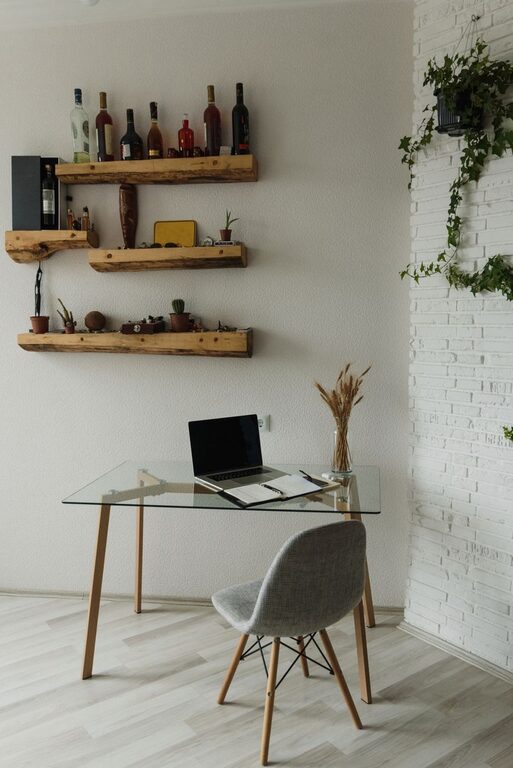
Keep your desk clutter-free by using shelves, cabinets, or organizers. This helps maintain a calm atmosphere and keeps important items within reach.
Personalize Your Space with Cozy Elements
Adding personal touches makes your office feel welcoming and inviting:
– Soft Textiles: Use a cozy rug underfoot or a throw blanket over your chair.
– Plants: Greenery not only improves air quality but also boosts mood.
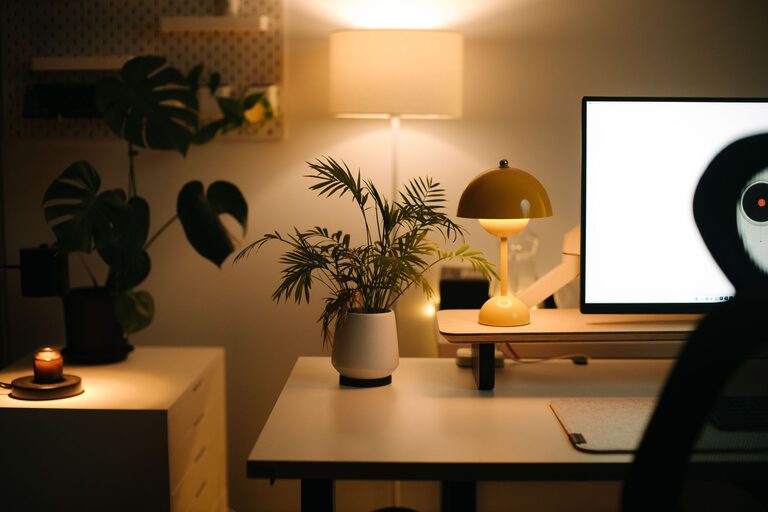
– Lighting: Use warm desk lamps or string lights to create a soft glow during evening work sessions.
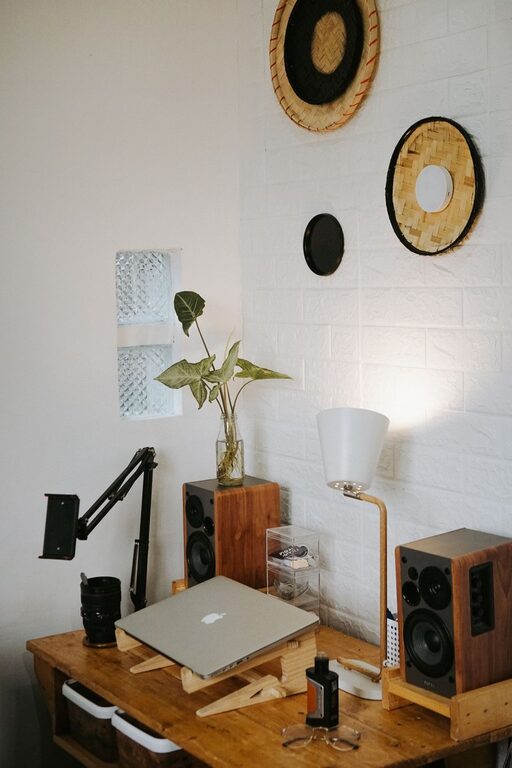
– Wall Art: Choose art or inspirational quotes that motivate you without distracting.
Organize Cables and Electronics
Messy cables can make a space feel chaotic. Manage cords by:
– Using cable clips or sleeves
– Placing power strips where they’re easy to reach but out of sight
– Labeling cords for quick identification
This organization reduces distractions and protects your equipment.
Optimize Lighting for Comfort and Focus
Natural light is best, but when that’s limited:
– Use adjustable desk lamps with warm, flicker-free bulbs
– Avoid overhead fluorescent lighting, which can cause eye strain
– Position screens to reduce glare from windows or bright lights
Proper lighting reduces fatigue and improves mood, making work easier.
Create Zones for Different Activities
If space allows, set up separate areas within your home office:
– Work Zone: Main desk and computer
– Reading or Brainstorming Zone: Comfortable chair and notepad
– Storage Zone: Filing cabinet or shelves
This separation supports productivity by matching your environment to the task at hand.
Minimize Noise Distractions
Noise can be disruptive. Try these tips:
– Use noise-canceling headphones with soft background music or white noise
– Add thick curtains or rugs to absorb sound
– Choose a location away from noisy household areas
Controlling noise helps you concentrate and reduces stress.
Set Boundaries and Maintain Routine
Make your office a dedicated work space to support a daily routine:
– Begin and end your workday at set times
– Avoid using your workspace for unrelated activities
– Take regular breaks away from your desk to recharge
Clear boundaries encourage focus during work hours and relaxation afterward.
Keep Essentials Close at Hand
Organize your space so that frequently used items like pens, chargers, and notebooks are within easy reach. This minimizes interruptions to your workflow.
Keep Improving and Adjusting
Your ideal home office might evolve over time. Take note of what works and what doesn’t, and don’t hesitate to make adjustments to your setup to maintain comfort and productivity.
—
By following these tips, you can create a home office space that not only sparks creativity and efficiency but also feels like a cozy corner of your home. A balanced environment fosters better work habits and helps you enjoy your remote work experience more fully.