
Creating a productive home office environment is essential for anyone working remotely or spending significant time on projects at home. With the right setup and habits, you can enhance your focus, reduce distractions, and enjoy a comfortable space that inspires creativity and efficiency. Here are practical tips to get you started on building the ideal home office.
Choose the Right Location
Consider Natural Light
Select a spot in your home that has plenty of natural light. Sunlight can boost your mood and help you stay alert. Position your desk near a window if possible, but avoid glare on your computer screen.
Minimize Noise and Distractions
Find a quiet area away from household noise like televisions, kitchen activity, or noisy streets. If complete silence isn’t possible, consider noise-cancelling headphones or soft background music to maintain focus.
Invest in Comfortable, Functional Furniture
Ergonomic Chair and Desk
A supportive chair helps maintain good posture and prevents discomfort during long work hours. Adjustable desks that allow you to switch between sitting and standing can also improve comfort and energy.
Adequate Desk Space
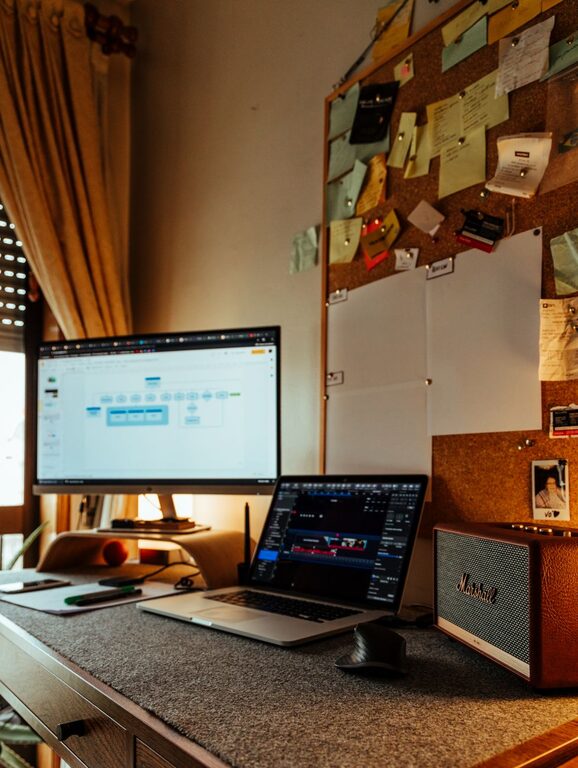
Make sure your desk has enough room for your computer, monitor, keyboard, and any paperwork or tools you regularly use. A clutter-free surface encourages clear thinking.
Organize Effectively
Declutter Your Space
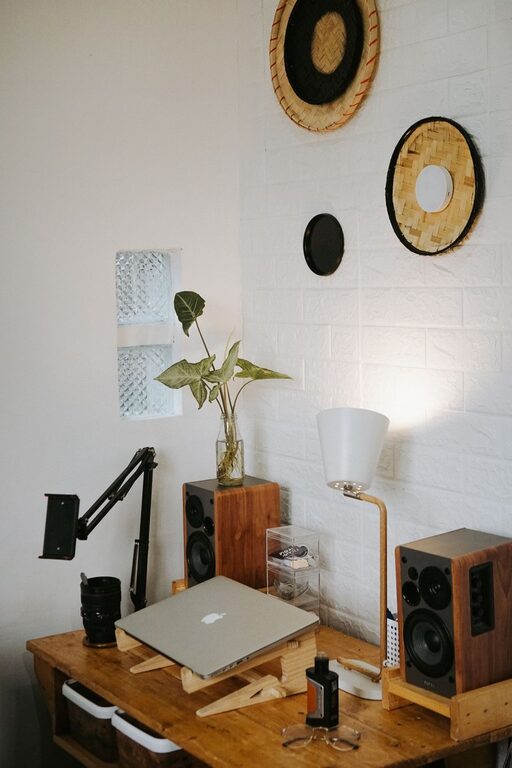
Keep only essential items on your desk. Use drawers, shelves, or organizers to store supplies out of sight to maintain a tidy appearance.
Keep Supplies Handy
Use organizers or containers for pens, papers, and chargers so you don’t waste time searching for things. Labeling drawers or boxes can streamline your workflow.
Set Up Proper Lighting
Combine Natural and Artificial Lighting
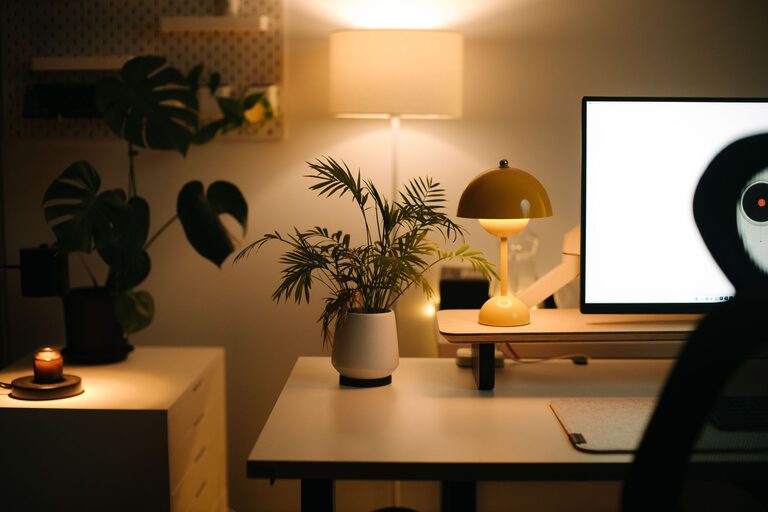
When natural light fades, use adjustable desk lamps or overhead lighting that reduces eye strain. Warm white light creates a comfortable atmosphere for work.
Avoid Screen Glare
Position lights so they don’t shine directly on your computer screen. Adjust blinds or curtains to control direct sunlight during different times of the day.
Create a Personalized Yet Professional Atmosphere
Add Inspirational Touches
Decorate your office with items that motivate you—like artwork, plants, or quotes—but keep it minimal to avoid distraction.
Maintain a Professional Appearance
Keep your workspace neat, especially if you use video conferencing. A clean background helps you look polished and focused during meetings.
Establish Boundaries and Routines
Define Work Hours
Set specific working times and stick to them to create a healthy balance between work and personal life. Communicate this schedule to family or housemates to minimize interruptions.
Develop a Start-of-Day Ritual
Whether it’s a morning coffee, a quick stretch, or reviewing your to-do list, a consistent routine can signal your brain to shift into work mode.
Optimize Technology and Connectivity
Reliable Internet Connection
Ensure your internet is fast and stable to avoid disruptions during meetings or when accessing files online.
Use Productivity Tools
Leverage apps and software that help you organize tasks, set reminders, and block distracting websites to stay on track.
Prioritize Comfort and Wellness
Take Regular Breaks
Step away from your desk every hour to stretch and rest your eyes. Short breaks boost productivity and reduce fatigue.
Maintain Good Air Quality
Ventilate your space well or consider an air purifier. Fresh air helps keep your mind clear and energy up.
—
Creating a home office tailored to your needs doesn’t have to be complicated. By choosing the right location, organizing efficiently, and establishing routines, you’ll cultivate a productive and enjoyable workspace. Experiment with these tips to find what works best for you and transform your home office into a place where productivity thrives.